Know when a job is done.
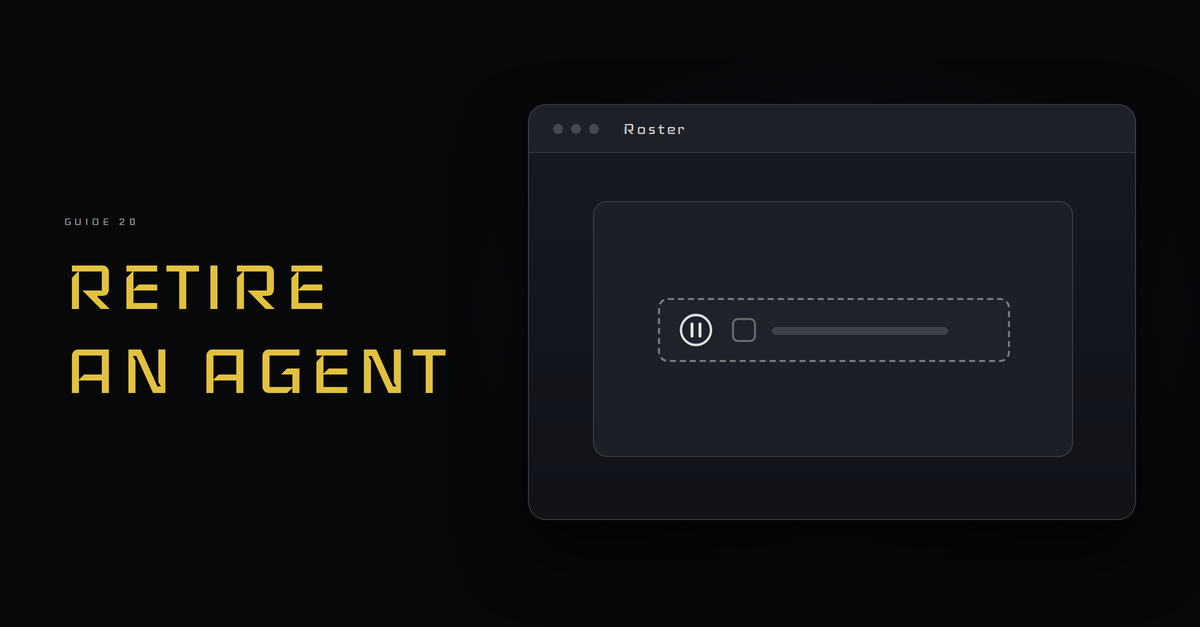
When a job is done or no longer needed, pause the agent first. Hand off what it knows, close its access, and write down why.
A job can end
Jobs change. A project finishes, a task moves to a script, or the work stops mattering. An agent with a job nobody reads is still an agent with access. Ending a job on purpose is part of running a crew, and it takes a few short steps.
Pause before you remove
Stop the job first and leave everything else in place. Watch for a while. If someone misses the output, you can start it again. If nobody does, you have a good reason to remove it.
Hand off what it knows
The agent may hold notes, partial work or a running list. Write the handoff the way the handoff guide describes: the State and the Next step, plus where the files are. If another agent takes over the work, it starts from that note. If nobody does, the note is the record.
Close its access
Go back to the agent's three lists: May read, May change and Never touch. Remove what the job needed. Check each item against the list rather than from memory. The permissions guide shows how the lists are written, and closing access follows the same habit in reverse.
Write down why
Add a line to the activity log: what ended, the date, and the reason in plain words. A reader who finds the log later will not have to guess why the job stopped.
Keep the instructions for later
Do not delete the job description. Move it to a folder named for retired jobs and note the date. If the work comes back, you start from a page you already tested, not a blank one.
Check it: a made up retirement
- Job: an agent that drafts a weekly agenda.
- Why it ends: the meetings moved to a shared calendar.
- Pause: stop the weekly run, wait a few cycles, nobody asks for it.
- Handoff: State is the last agenda sent. Next step is none. Files are the agenda folder.
- Access: remove the calendar read item from May read and the agenda folder from May change.
- Log: one line with the date and the reason.
- Kept: the job description, in the retired folder.
Pause. Hand off. Close. Write it down.