Agents decide. Code repeats.
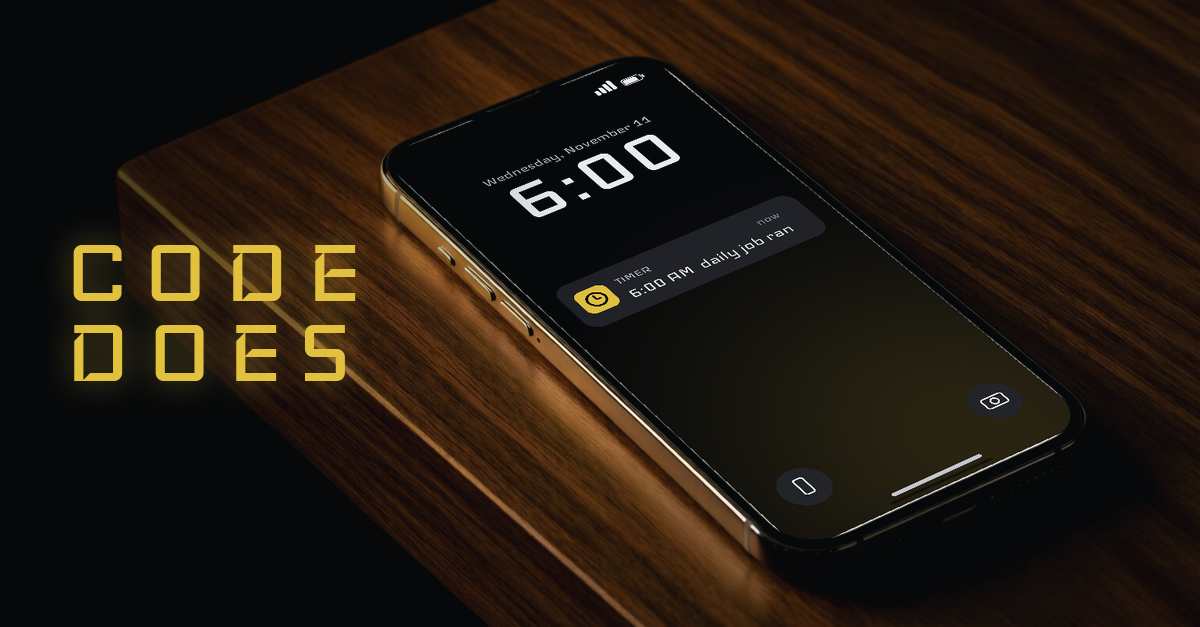
My AI agents don't remember to do things. Code does.
That one line is the rule my whole crew runs on. An agent is great at judgment: reading, writing, picking the next move. It is not a clock. If you need something to happen every morning, asking an agent to remember it is asking the wrong tool.
Here is how to turn a daily job into a script and a timer, so it runs every day whether you open a chat or not. It is also the simplest way to run Claude Code on a schedule, or any other agent: you schedule the code it writes.
The rule: if it has to happen every day, it doesn't live in a chat window
A chat window only works while it is open. When the session ends, so does the memory of what you asked for.
So sort every job into one of two piles. Judgment work stays with the agent. Repeat work becomes code. If the answer to "does this need to happen again tomorrow?" is yes, it goes in the second pile.
This is the whole idea behind running an AI agent on a schedule. You are not scheduling the agent's thinking. You are scheduling the job the agent already figured out.
Spot the repeat: the jobs you keep asking for by hand
Look back over your last week of chats. The repeats jump out.
Check these feeds for anything new. Pull yesterday's numbers into one file. Rename the new downloads. Tell me what changed in this folder.
If you typed the same request twice, that is a script waiting to be written. If you typed it every day, it should have been a script last week.
Write the repeats down as a short list. Pick the one you ask for most. That is your first job.
Let the agent write it once: a small script, plain inputs, one output file
Now hand that job to the agent one last time, with a different ask: don't do it, write the code that does it.
Keep the script small. Three things make it easy to trust:
Plain inputs. The list of feeds, folders or names lives in a text file the script reads. You change the list, not the code.
One output file. The script writes its result to one place, in plain lines you can read. No popups, no messages, no surprises.
No secrets it doesn't need. If the job can run without a password or key, it runs without one.
Read the script before you keep it. It should be short enough that you can.
Test it like you mean it: a known good input, a bad input, a second run that adds nothing
A script that runs once on a good day proves very little. Test three things before it goes on a timer.
A known good input. Point it at something you know has results. It should write at least one line.
A bad input. Give it a broken link or a missing folder. It should write a plain error line and keep going, not stop the whole run.
A second run. Run it again right away. It should add nothing new, because nothing new happened. If it writes the same lines twice, it isn't keeping track of what it already saw.
Pass all three and you have something you can leave alone.
Put it on a timer: once a day, a fixed time, in your own time zone
Most computers already have a scheduler built in. On Linux and Mac the classic one is cron, which is why people search for an AI agent cron job. Your system may offer a newer timer too. Either one works.
Pick one fixed time and write it in your own time zone, so you never have to do the math.
A plain example of the pattern: at 6:00 AM, run the script. The script checks a list of feeds and writes one line per new item to a file. That is it. No agent in the loop, nothing sent anywhere, one file updated.
The timer never forgets, never gets tired and never needs a reminder. That is the job you were asking the agent to do, done by the right tool.
Read the output, not the agent
Here is the part that saves the most time. You stop asking the agent "did it run?" and you read the file.
One file, one line per result, each line stamped with the time. Errors show up as their own lines, so a quiet morning and a broken morning never look the same.
Check that file the way you check the weather. A glance, and you know what came in overnight. If something matters, that is when an agent picks it up and does the judgment part.
Want every agent's state on one screen too? See the guide to one dashboard for all your agents.
Keep the decision with you: the script reports, you approve
The script gathers. It does not decide.
If a result needs action, like a post, a purchase or anything that leaves your machine, the decision comes to you as a card with the options laid out. I wrote up how that works in the guide to running a crew of AI agents from one screen: every decision is a card.
That split is how you automate a daily task with an AI agent without handing it the keys. Code repeats. The agent thinks. You decide.
Start with one job this week
Take the one repeat you ask for most. Have the agent write it as a small script. Test it three ways. Put it on a timer. Read the file tomorrow morning.
One job, running on its own, is worth more than ten clever prompts you have to remember to send.